Accounts & sign‑in
The pages you see before you're authenticated: the public landing page, and the register / log‑in forms.
Landing — /
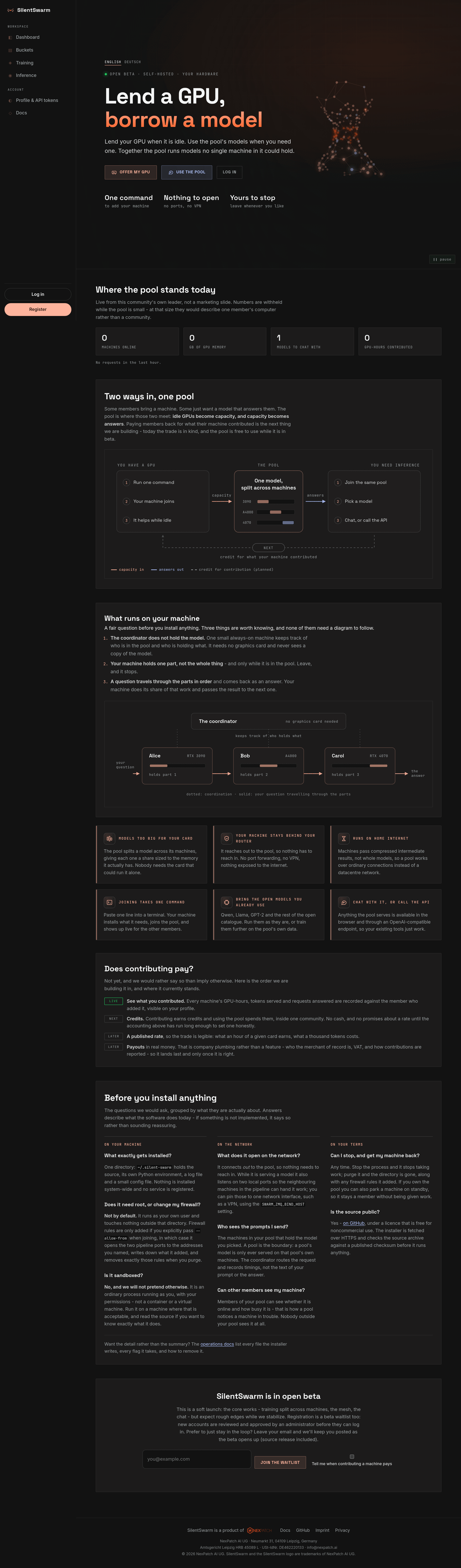
The public page, written for someone who may not own a GPU. It makes the two‑sided trade concrete — lend a GPU when it is idle, borrow the pool's models when you need one — and answers the questions a reader has before installing anything, rather than explaining the architecture. Two diagrams carry the story: the exchange loop (capacity in, answers out) and what actually runs on a contributor's machine.
There are two doors rather than one CTA, and which one a visitor used is
recorded as their signup intent (?intent=host / ?intent=use, surfaced to
admins at GET /api/v1/admin/users/signup-intents):
- Offer my GPU — for members contributing a machine (the page's one primary button).
- Use the pool — for members who only want inference.
Returning members log in from the top bar, next to Register; on a narrow phone, where the bar has no room for both, a line under the two doors links to the log‑in page instead. The page renders in the theme you picked in the app (dark, light or system) and is dark on a first visit.
Live community numbers (machines online, GPU memory, models, GPU‑hours) come
from GET /api/v1/public/stats and stay withheld below a k‑anonymity floor, so
a pool with one or two machines does not describe a single member's computer.
The earnings section states plainly that contributing does not pay yet.
The technical description of the pipeline lives in these docs, not on the landing page — start at Runtime model.
Languages — /, /de, /en
The page ships in English and German. / is the English canonical and /de
its German translation, produced by translating the rendered English HTML
through an ordered sentence catalogue (leader/web/i18n.py) rather than by
maintaining a second template. A missing translation fails the test suite
instead of shipping a half‑English page.
/en exists because a reader who sees /de will try it; it is a permanent
redirect to / rather than a second English URL, so the two never compete in
a search index. Both pages carry hreflang alternates for en, de and
x-default, and a language switcher in the header. Crawlers also get
/robots.txt, /sitemap.xml and /llms.txt — the last one exists mostly so a
model summarising the site does not claim that hosting pays.
Register — /register
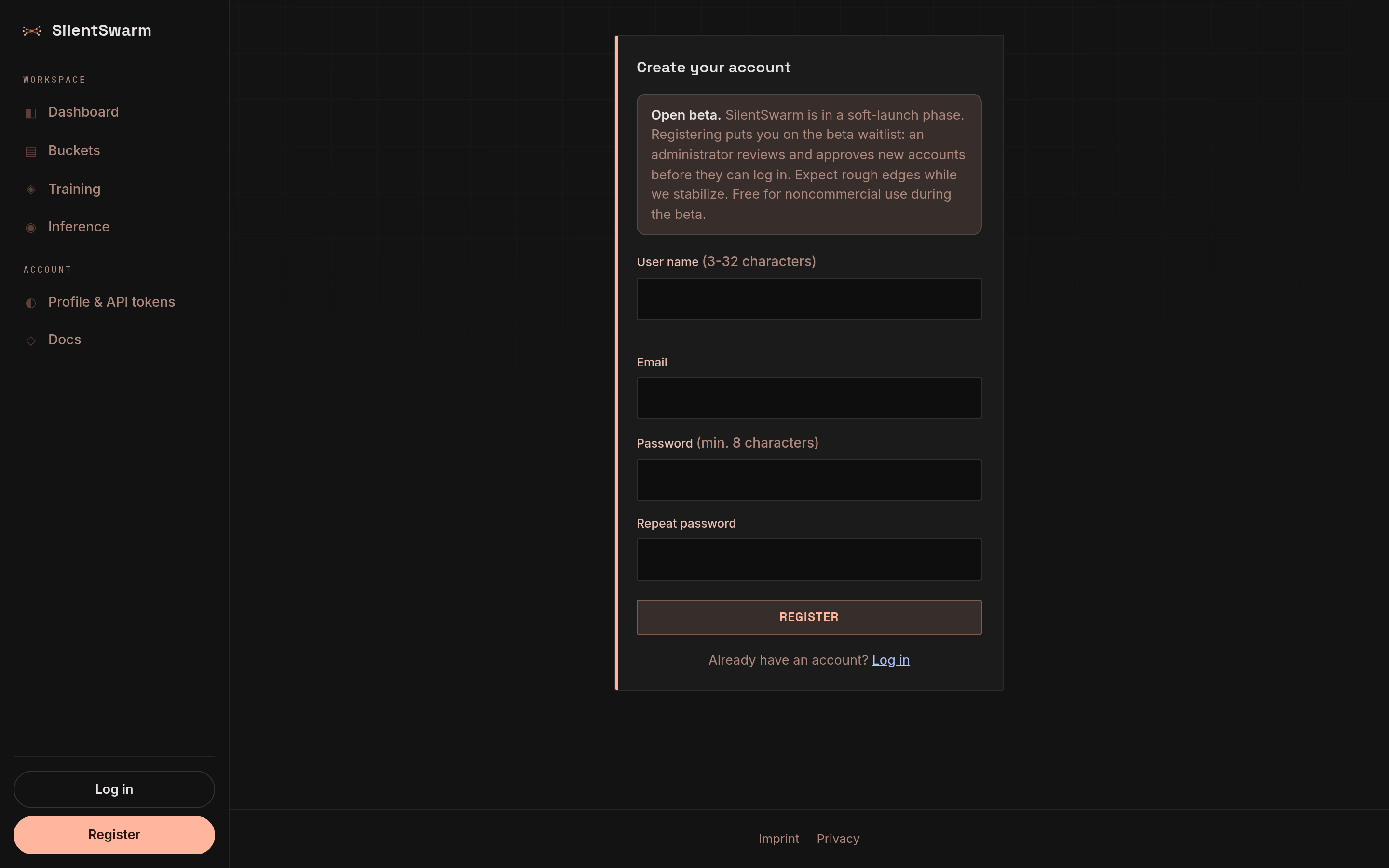
Create an account. The first account created on a fresh leader automatically becomes the admin; later sign‑ups are regular users.
- Depending on the leader's configuration, a new account may be usable
immediately, or may require email verification and/or admin approval
before it can sign in (
SWARM_REQUIRE_EMAIL_VERIFICATION,SWARM_REQUIRE_ADMIN_APPROVAL). With no SMTP configured, verification is skipped and admins get one‑time links instead of emails.
Log in — /login
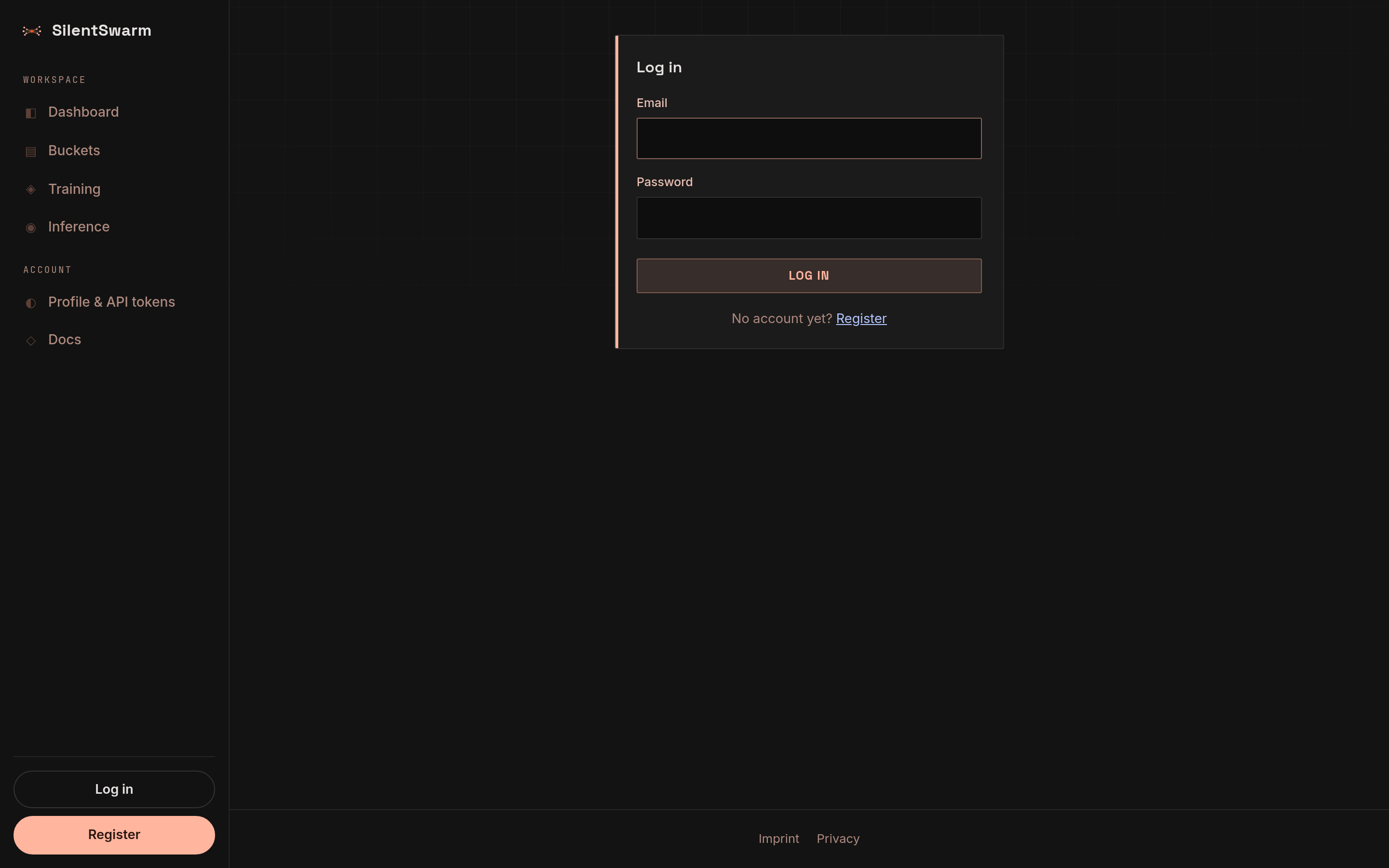
Sign in with your email and password. If two‑factor is enrolled you'll be asked
for your TOTP code. Forgot your password? The reset flow issues an email (or a
one‑time link when SMTP is disabled) that lands on /reset-password.